Just speak, snap a photo, or forward a message — flomily picks up the appointment, shows it to you for review, and sends you a regular calendar invitation after your confirmation — accept, done. Outlook, Google, Apple, GMX — and any other calendar that understands invitations.
🔒 No access to your calendar or emails needed — you stay in full control.
You scroll through 47 WhatsApp messages. It was in there somewhere — but where?
You're typing in an appointment from a photo for the third time this week. Or just forgetting about it entirely.
Yes. Three weeks ago. Buried between memes and grocery lists. Never made it to the calendar.
No. Again. Because nobody wants to type in appointments manually.
Phone call, WhatsApp message, notice on the board — all in your head, none in your calendar.
You're in Outlook, get an appointment via WhatsApp — and would have to switch apps, type it in, or put it off until "later." Later means: never.
With flomily: Speak it. Forward it. Snap it.
Never type again. Never forget again. Never argue about who should've added it.
Voice note, text, photo or PDF — just send it to flomily.
flomily picks up the appointment and shows it to you — you see exactly what was detected.
One tap — and you get a regular calendar invitation via email. Accept, decline, just like you're used to. Nothing happens without your OK.
Three typical scenarios — one result: appointment in your calendar.
 flomily
Youth league, local league, club app — screenshot to flomily and all games land in your calendar.
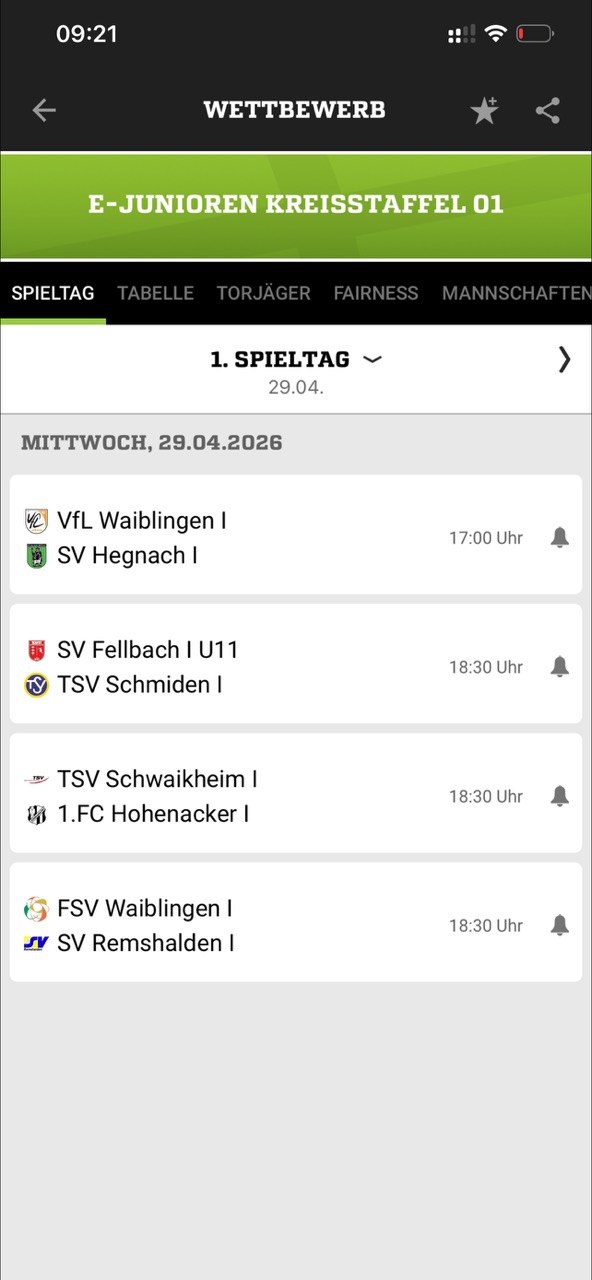
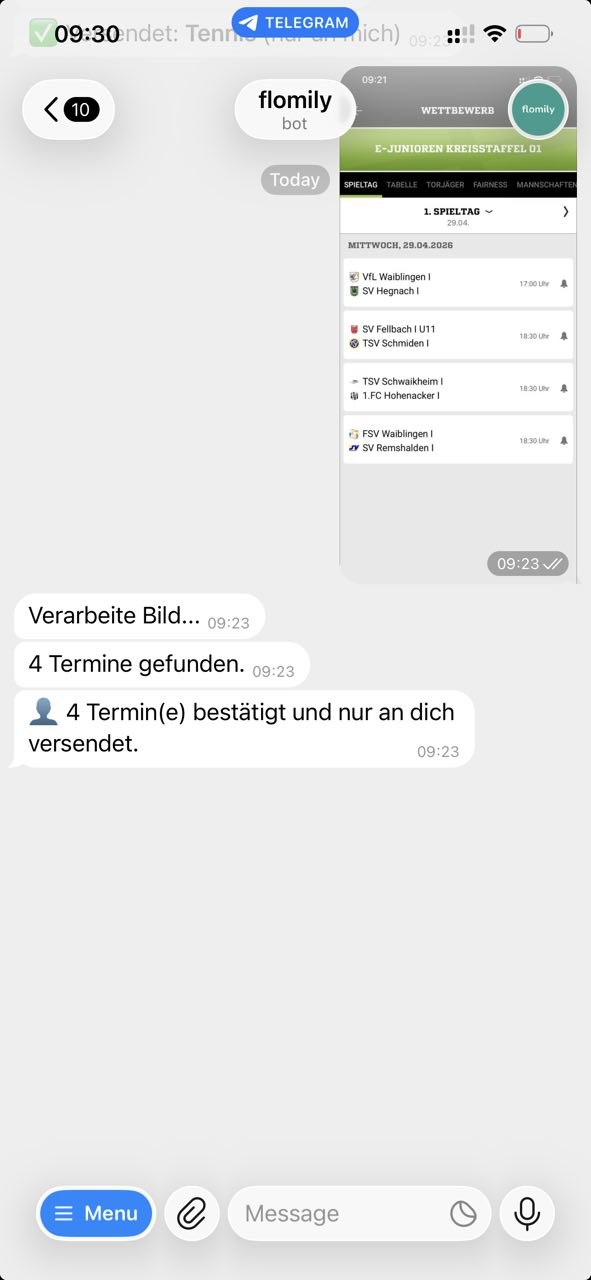
*Real example from a sports app. No affiliation with the clubs shown.
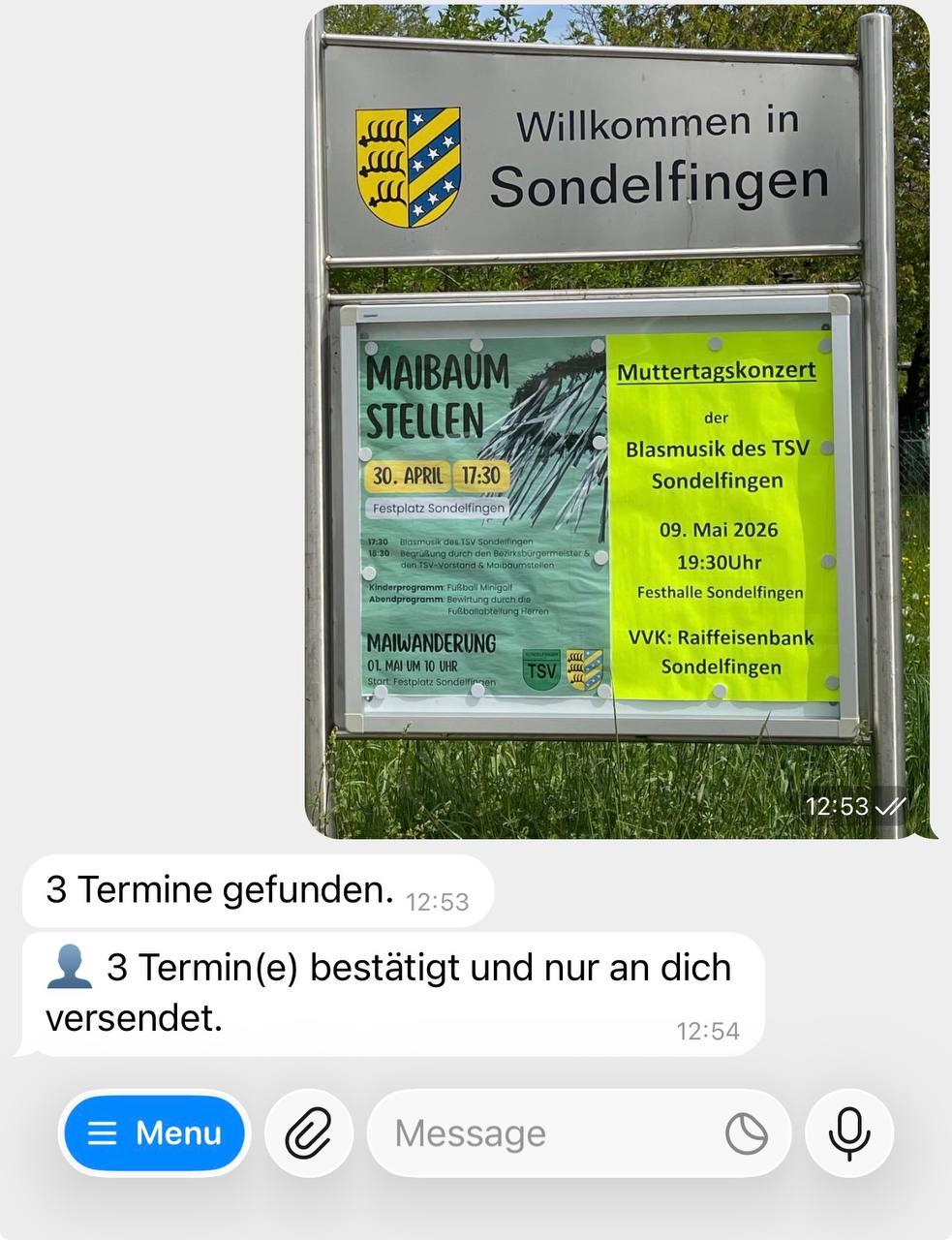
Event schedule, game plan, community program — just take a photo. flomily recognizes every single appointment.
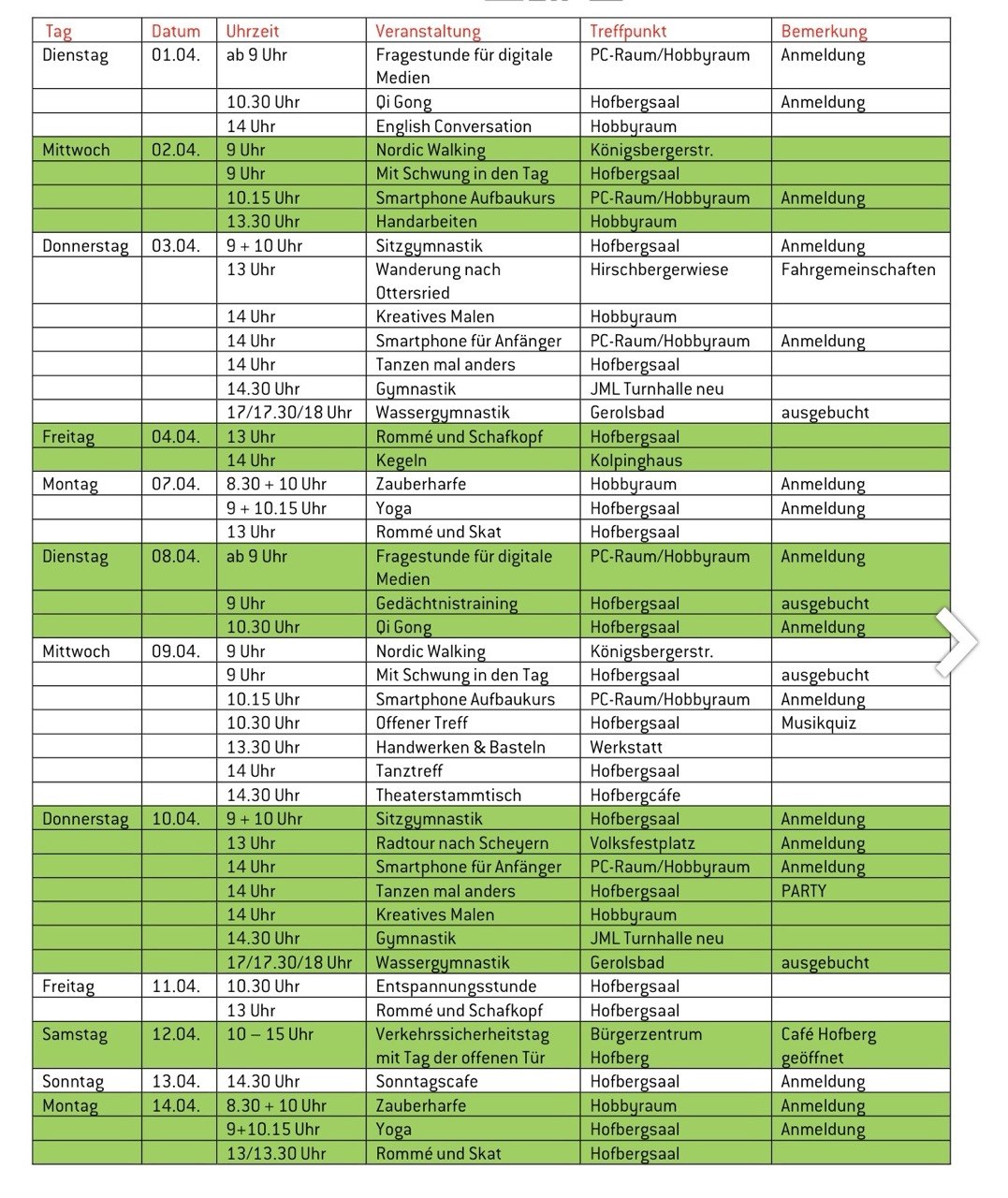
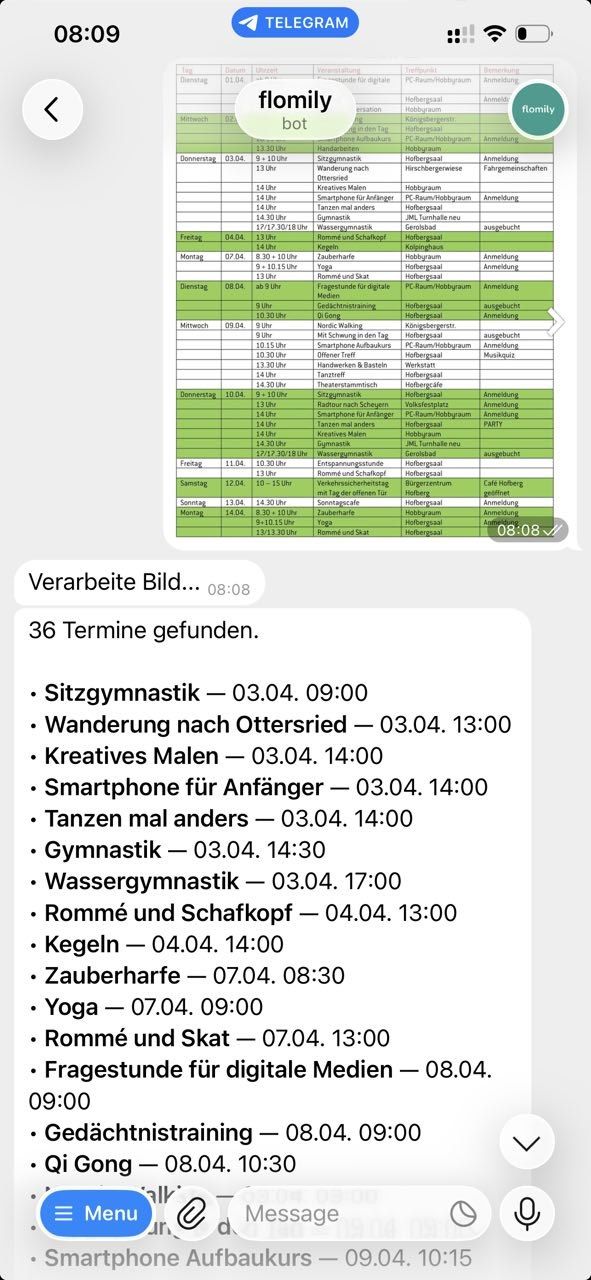
*Example of a public event schedule. No affiliation with flomily — just a random find showing what's possible.
Walked past a community notice board, snapped a photo — flomily recognized all events. No typing, no forgetting.
flomily is not a new calendar — and doesn't want to be one. Appointments go right where you already check them. Including your work calendar. No migration, no learning curve, no lock-in. Apps like TimeTree or Cozi want you to move your calendar.
No app. No subscription. No lock-in.
flomily needs no installation, no account with a new service, and doesn't lock you in anywhere. You keep using your calendar — flomily just fills it faster.
Just left the doctor? Say it. In the car? Quick voice note. flomily understands you — and the appointment is in.
School notice in the backpack? Take a photo, done.
The coach sends a new schedule in the WhatsApp group? Just forward it.
Game schedule as PDF? Club newsletter? Outlook invitation? Just forward it.
Calendar apps feel like too much? Just speak or snap a photo — flomily handles the rest.
You have Outlook, Google, Apple or GMX perfectly configured. You just need a faster way to get appointments in.
Poster on a lamp post, flyer at the bakery, notice in the hallway — photo, done, in your calendar.
You're in Outlook and get an appointment via WhatsApp. Forward it — 10 seconds later it's in Outlook.
WhatsApp, phone, email, notes in the mailbox — five channels, one calendar. flomily collects them all.
Heard the appointment, didn't write it down, forgot. With flomily, a quick voice note the moment you think of it is enough.
Appointments in your notes app or on paper? Forward digital notes or snap a photo of handwritten ones — flomily recognizes the appointments and puts them in your calendar.
It is — until you're on the go. flomily complements your paper calendar: snap a photo and all appointments are digital too.
School notices, doctor's appointments, club schedules — snap a photo and selectively forward to your partner or kids. Everyone keeps their own calendar.
Photograph the school letter, get all appointments at once.
"Karate every Friday" automatically becomes a series.
Set your own categories and colors — flomily sorts new appointments automatically.
Photos and documents are automatically attached to the appointment — everything at hand.
Adjust title, date, location or category before the appointment is sent.
flomily tells you when to leave.
Coming soon"Practice is cancelled" — appointment gets automatically removed.
Coming soonOne appointment, everyone has it.
Coming soonflomily stands for flow + family — because managing appointments should flow, not drown in chaos.
We take privacy seriously and follow European standards.
Your data is exclusively transmitted encrypted.
Your data is never shared with third parties for advertising purposes.
flomily only sends invitations via email. It has no access to your existing calendar — nobody can view your appointments.
All details about data processing can be found in our privacy policy.
Just two things — and you're good to go.
flomily runs directly in your browser — no download needed. Just open flomily.de/app and get started. Also available via Telegram.
That's where flomily sends calendar invitations. Works with any provider — Gmail, GMX, Outlook, Apple Mail, and all others.
No subscription, no download, no installation. Just open it in your browser and go.
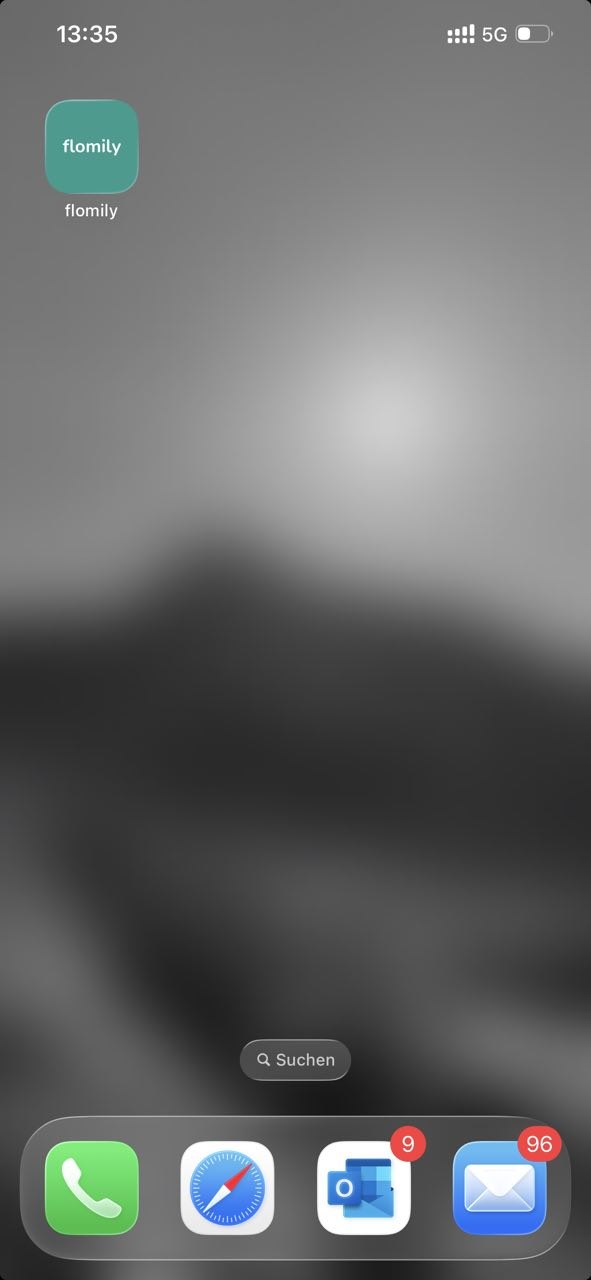
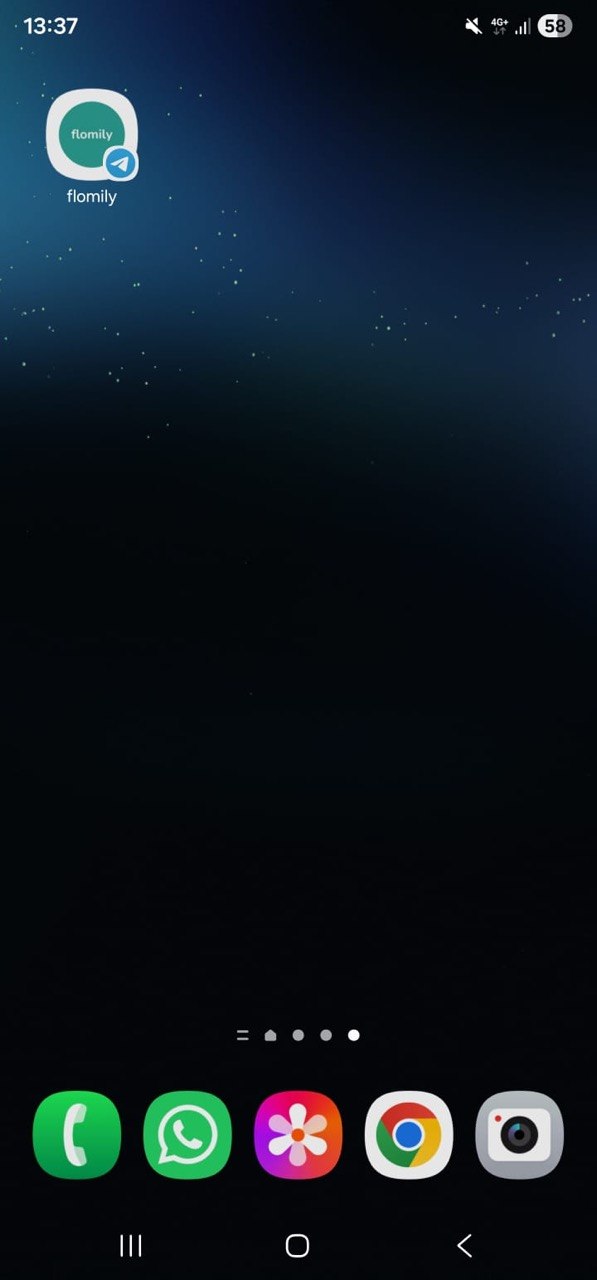
You can put flomily on your home screen like a regular app — one tap and you're in. Works on Android (3 taps) and iPhone (via Shortcuts).
Sign up now and get immediate access to the beta — be there as flomily grows.
30+ flo'ers are already waiting. Be there when flomily launches.
No spam. An update every few weeks, that's it.
Or start directly in your browser — no signup needed:
Open flomily Web App →Every spot on the waitlist earns you 100 credits to start.
For every friend who signs up through your personal link, you get +25 credits extra.
No. flomily recognizes appointments and shows them to you for review — with all details like date, time and location. Only when you tap "Add" will you receive a regular calendar invitation via email — just like from a colleague in Outlook. You can accept, decline or edit it, just like you're used to. Nothing happens without your confirmation.
No. flomily sends appointments exclusively as calendar invitations via email — just like when a colleague sends you an Outlook meeting. flomily has no access to your existing calendar and can neither read nor modify appointments.
Your messages are transmitted encrypted and only processed for appointment recognition. We don't share data with third parties for advertising. You decide which appointments are saved — and can request deletion of your data at any time. All details in our privacy policy.
No! flomily runs directly in your browser at flomily.de/app. You can also use it via Telegram if you prefer.
flomily runs as a web app in your browser. Save it to your home screen and it works like a regular app. An App Store version is planned.
No! You can send a photo of a school notice, letter, or poster — flomily recognizes all appointments on it and creates them individually. Also works with PDFs, voice messages, and forwarded texts.
Currently each user receives their own appointments via email. Shared family calendars and inviting others to appointments are coming soon — that's one of our next features.
flomily is currently free during the beta phase.
Credits are your balance at flomily — 100 to start, +25 for each referral. The more you collect, the more you can unlock — from appointments to exclusive extras.
flomily and TimeTree follow different approaches: TimeTree is its own calendar where everyone has to migrate. flomily is not a calendar — it puts appointments in the calendar you already use (Outlook, Google, Apple, GMX). No migration, no second system, no lock-in.
TimeTree currently doesn't support ICS import. A direct integration is planned so appointments can also arrive in shared TimeTree calendars.
Yes. flomily automatically detects time zones and creates appointments in the correct local time — whether you're in Berlin, London, or New York.
Simply type your appointment as text, photograph a flyer, or speak an appointment. flomily automatically recognizes the appointment and sends you a calendar invitation by email.
flomily is being built right now — and your opinion helps shape it. Tell us what would help you most with appointments.